Eniceplay: Mastering the Modern Script Font for Flawless Designs
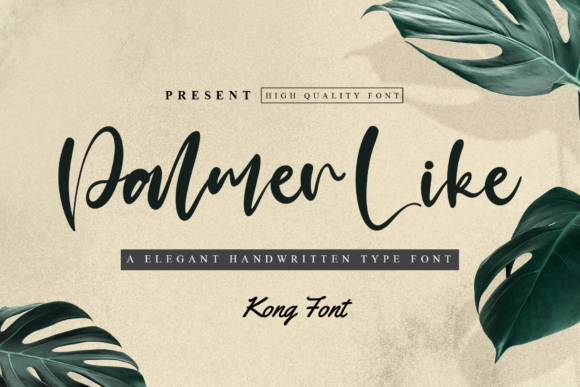
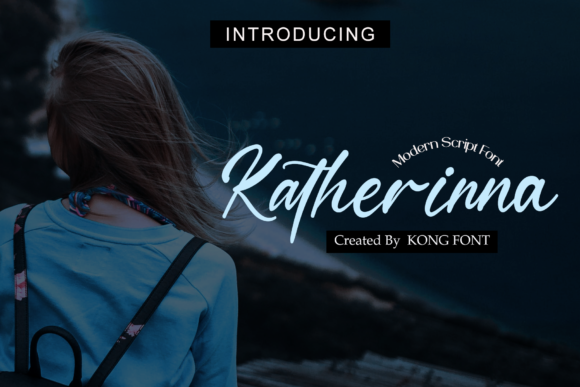
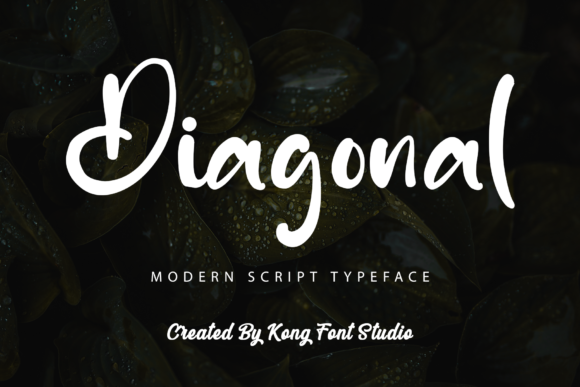
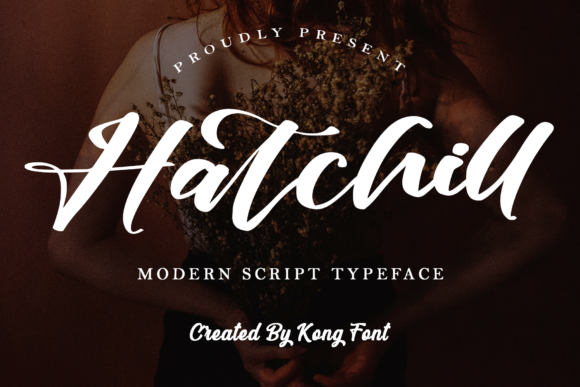
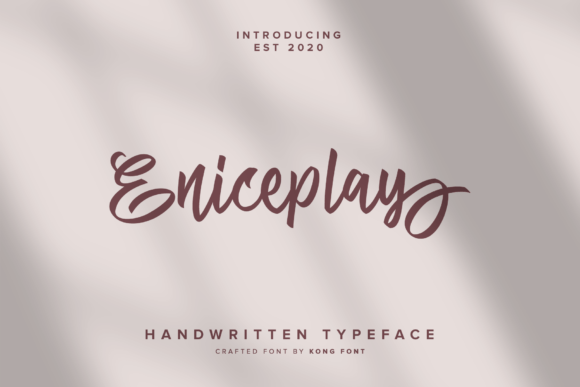
In the vast world of digital typography, finding a font that strikes the perfect balance between modern elegance and playful energy can be a challenge. Enter Eniceplay, a modern and playful script font designed to add a personal, handcrafted touch to any project. Created by the renowned Kong Font Studio, this typeface has quickly become a favorite among crafters, designers, and entrepreneurs looking for a font that feels both professional and approachable. However, simply downloading a font file does not guarantee a successful design. To truly harness the power of Eniceplay, one must look beyond the preview images and understand the technical nuances that separate amateur work from professional polish.
Understanding the Value of PUA Encoding
One of the most significant features of Eniceplay is its PUA (Private Use Areas) encoding. For those unfamiliar with font engineering, this is a critical detail that is often misunderstood. Beginners often assume that all characters in a font are immediately accessible via a standard keyboard. With script fonts like Eniceplay, this is rarely the case. The beauty of a script font lies in its alternates, swashes, and ligatures—specialized characters that allow letters to connect fluidly and add decorative flair.
Without PUA encoding, accessing these special glyphs requires advanced software knowledge or specific plugins. Because Eniceplay is PUA encoded, every glyph and swash is accessible with ease, regardless of the design software you use. This is a massive advantage for users of Silhouette Design Studio or basic word processors. However, a common mistake users make is failing to utilize these extra characters. Sticking solely to the default keystrokes results in a repetitive and rigid look, which defeats the purpose of choosing a dynamic script font. To avoid this, take the time to explore the character map or glyph panel of your software. Mixing and matching these alternate letters will transform your text from a simple sentence into a unique piece of art.
Compatibility and Workflow Efficiency
Eniceplay is engineered to be versatile, boasting compatibility with major design tools such as Photoshop, Illustrator, and Silhouette Design Studio. This broad compatibility makes it an excellent choice for a hybrid workflow where a designer might be creating a logo in Photoshop but preparing cut files for vinyl projects in Silhouette. However, a frequent pitfall occurs when users fail to check their software version or operating system requirements before purchasing or downloading.
Imagine spending hours planning a project, only to discover that the font file (.OTF or .TTF) does not render correctly on your specific setup. This oversight leads to frustration and wasted time. Furthermore, even with compatible software, users often struggle with the "flow" of the script. Because Eniceplay is a connected script, the spacing between letters is crucial. A common error is manually kerning (adjusting the space between) every letter pair. While manual kerning is sometimes necessary for logos, it is inefficient for body text or long phrases. Instead, rely on the font's built-in ligatures. Ensure your software has "Standard Ligatures" and "Contextual Alternates" turned on in the OpenType panel. This allows the font to automatically swap out characters for better connections, saving you hours of manual adjustment.
Avoiding the "Wedding Trap" in Font Selection
Script fonts are often pigeonholed into wedding invitations and feminine branding. While Eniceplay excels in these areas, limiting it to these categories is a missed opportunity. The "Wedding Trap" is a common mindset where creators view playful scripts as unprofessional or unsuitable for corporate contexts. This is a misunderstanding of font psychology.
Eniceplay possesses a modern sharpness that distinguishes it from traditional, flowery calligraphy. It is an excellent choice for social media graphics, blog headers, and even apparel design for brands targeting a younger, trend-conscious demographic. The mistake here is a lack of context. If you are designing a legal contract, Eniceplay is the wrong choice. However, if you are designing a "Thank You" card insert for an e-commerce brand, it is perfect. The better approach is to evaluate the tone of the message rather than the industry. Use Eniceplay for headlines or accents to convey warmth and personality, but pair it with a clean, legible sans-serif font for the body text to ensure readability.
Technical Best Practices for Print and Cut
For users operating within Silhouette Design Studio or similar cutting software, the application of Eniceplay requires specific technical considerations. A prevalent mistake among crafters is attempting to use the font at very small sizes for intricate cuts. Script fonts, particularly those with swashes, have thin strokes and complex curves. When cut from materials like vinyl or cardstock at sizes smaller than 0.5 inches, these details can tear or become illegible.
To avoid this, always perform a test cut on a scrap piece of material before committing to your final project. If the text is too small, consider simplifying the design by removing some of the swashes or increasing the font size. Additionally, when using Eniceplay in Photoshop for print-on-demand products, ensure you are working in a high-resolution canvas (300 DPI). Low-resolution rasterization can cause the anti-aliasing on the curves to look pixelated or "jagged" when printed, ruining the professional aesthetic of the design.
Evaluating Quality and Licensing
When sourcing fonts like Eniceplay from marketplaces such as Creative Fabrica, it is vital to pay attention to the creator's reputation and the licensing terms. Eniceplay is created by Kong Font Studio, a foundry known for high-quality vector outlines. However, not all fonts are created equal. A common mistake is downloading fonts from unverified third-party sites that may offer corrupted files or stripped versions of the font that lack the essential PUA encoding or OpenType features.
Always download from the official source to ensure you have the complete character set. Furthermore, read the license. If you are a freelancer creating a logo for a client, or a small business owner printing t-shirts for sale, you need to ensure your license covers commercial use. Using a "Personal Use" license for commercial products is a legal risk that can lead to costly fines later. By sticking to reputable sources and understanding the terms, you protect your business and ensure you are working with the highest quality files.
Conclusion: Designing with Intention
Eniceplay is more than just a collection of letters; it is a tool designed to bring energy and modernity to your creative projects. By understanding its PUA encoding, utilizing its OpenType features, and applying it with technical precision in software like Photoshop and Silhouette Design Studio, you can avoid the common pitfalls that plague many creators. Treat the font with respect—check your spacing, verify your licensing, and match the typeface to the appropriate context. When you do, you will find that Eniceplay is a versatile asset that elevates the quality of your design work, helping you communicate your message with style and confidence.